
Best Mobile PDF Editing Tricks You Didn’t Know (Android & iPhone)
Editing PDF files on mobile devices has become incredibly powerful, yet many users are unaware of the advanced features available right in their pocket. Whether you're using Android or iPhone, there are several hidden tricks that can make PDF editing faster and more efficient.
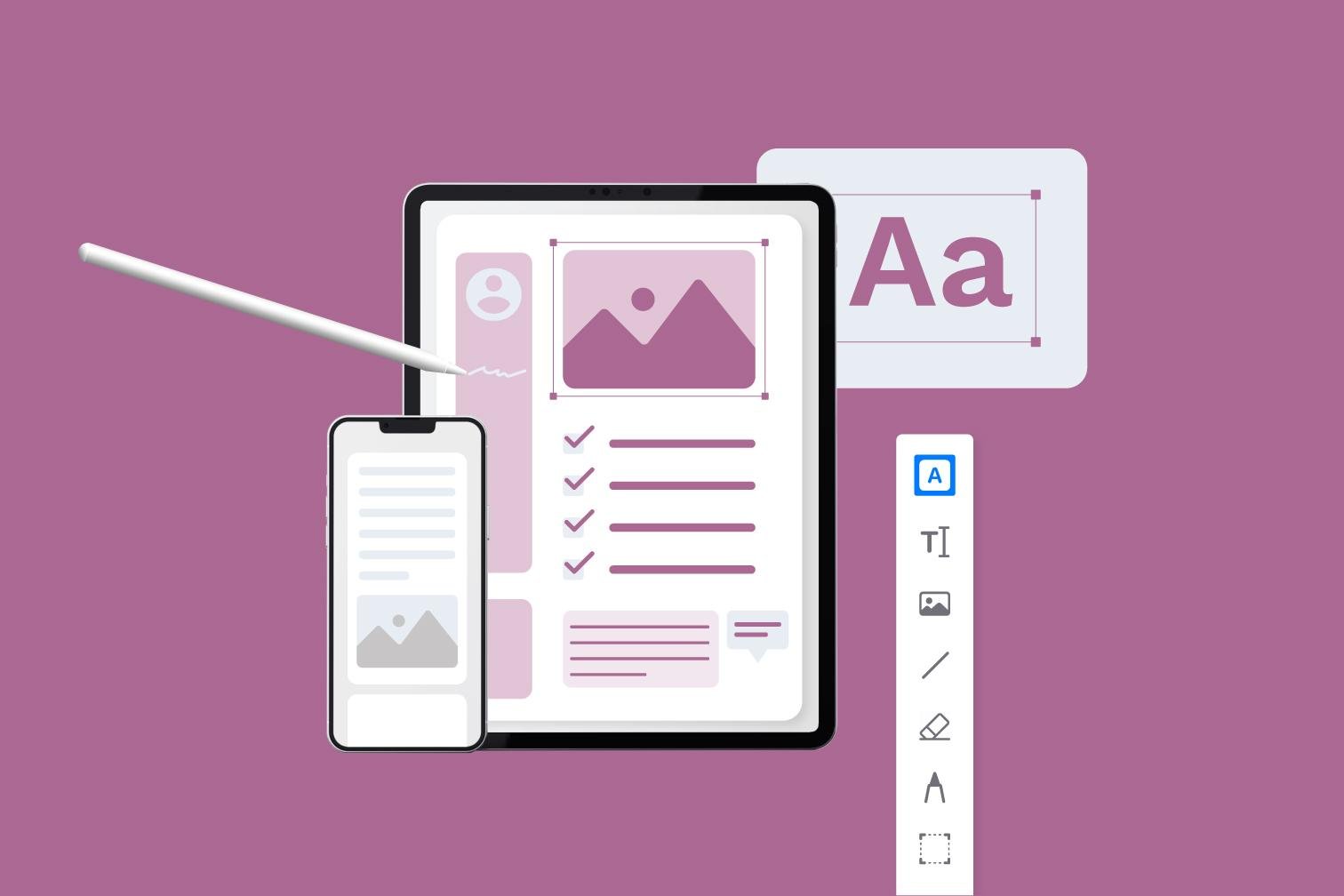
One useful trick is using built-in markup tools to highlight text, add notes, and draw directly on PDFs. Most mobile PDF apps allow you to annotate documents easily without needing a computer, making it perfect for quick edits on the go.
Another powerful feature is scanning documents directly into PDF format using your phone’s camera. With automatic edge detection and enhancement, you can create high-quality PDFs instantly and edit them right away.
Many mobile tools also support drag-and-drop page organization, allowing you to reorder, delete, or rotate pages with simple gestures. This makes managing documents much more intuitive and user-friendly.
Cloud integration is another game-changer. You can upload files from Google Drive, Dropbox, or iCloud and edit them seamlessly without worrying about storage or file transfers.
In conclusion, mobile PDF editing offers far more than basic features. By using these hidden tricks, you can save time, increase productivity, and manage your documents efficiently from anywhere.