
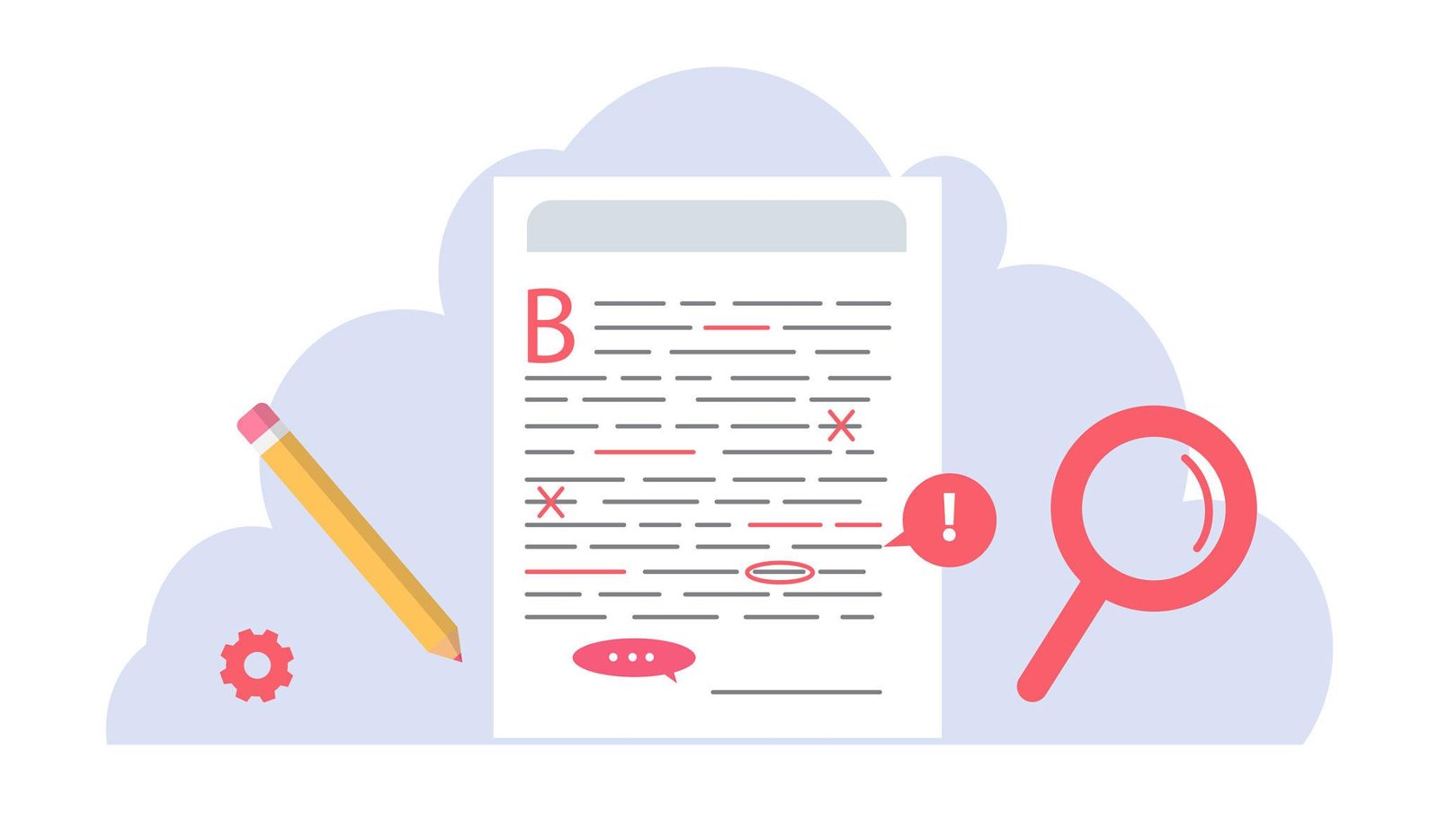
Top 10 PDF Mistakes You Should Avoid (Most Users Do This!)
PDF files are widely used for sharing documents, but many users unknowingly make common mistakes that affect quality, security, and usability. Avoiding these errors can save time, prevent data loss, and ensure your documents look professional.
One of the biggest mistakes is not optimizing file size. Large PDFs can be difficult to share and upload, especially over email. Compressing your files properly helps maintain quality while reducing size.
Another common issue is ignoring security. Many users forget to password protect sensitive documents, leaving them vulnerable to unauthorized access. Adding encryption is a simple yet powerful step to protect your data.
Poor formatting during conversions is also a frequent problem. Using low-quality tools can result in broken layouts, missing fonts, or distorted images. Always use reliable tools to maintain document integrity.
Many users also fail to organize pages properly before sharing. Disordered or unnecessary pages can confuse readers and make documents look unprofessional.
Other mistakes include not checking final output, ignoring mobile compatibility, and failing to use features like annotations, merging, or splitting effectively.
In conclusion, avoiding these common PDF mistakes can greatly improve your workflow and document quality. By using the right tools and best practices, you can create clean, secure, and professional PDFs every time.